
See your rig on the real site before you book it.
Drop your trailer and your truck onto real satellite imagery, to scale. CampScan says Fits, Tight, or Won’t fit, and tells you why. Then practice backing in before you get there.
Fit Check answers the question in one look.
The pad, the trees, the pedestal and the fire ring are traced on the imagery. Your rig is drawn at its true size. Drag it where you would park and tap Check fit.
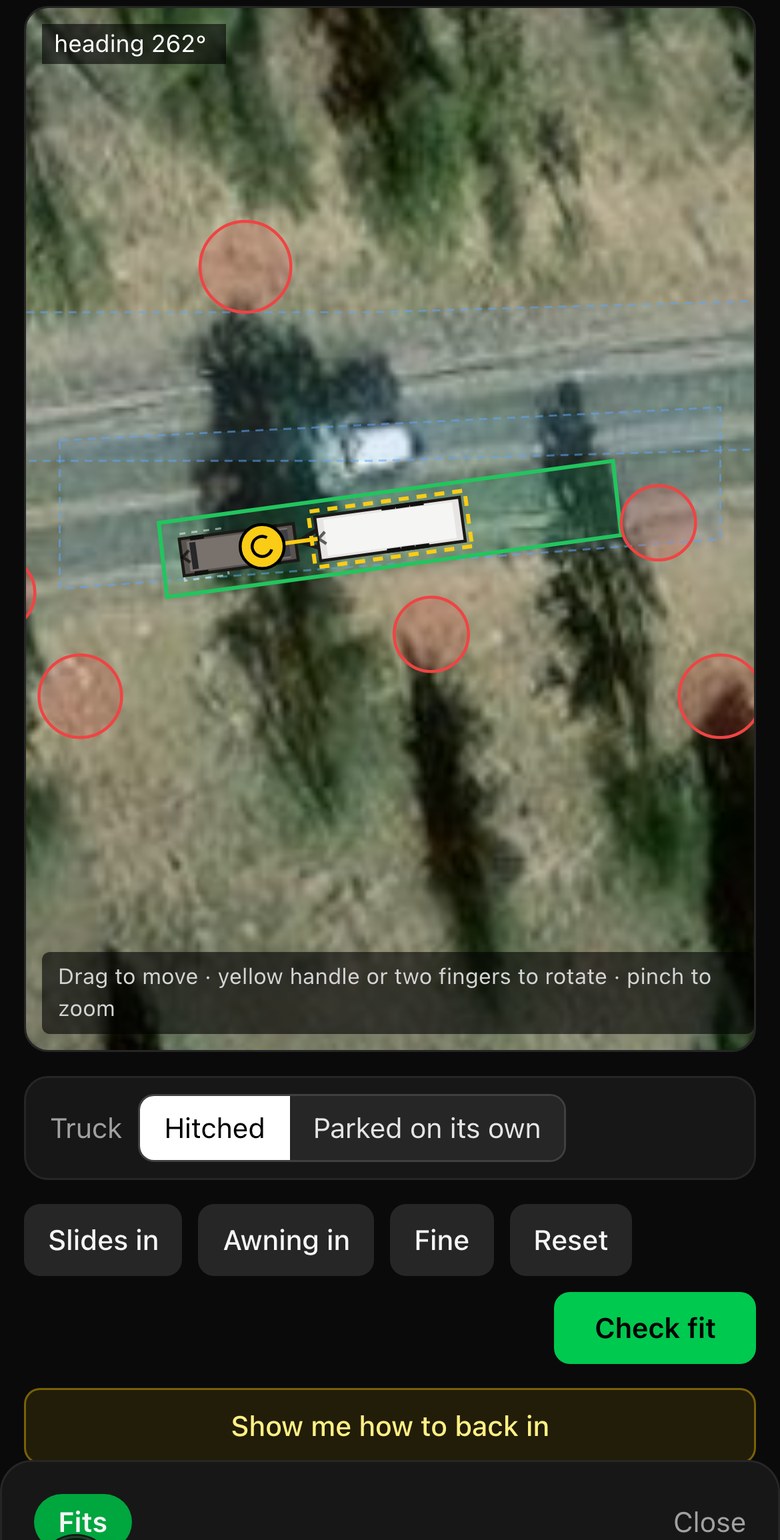
- 1Your rig, at its real sizePicked from the list or typed in by you. Slides and awning open with a tap.
- 2Every obstacle on the siteTree trunks, the power pedestal, the picnic table and the fire ring. High ones block your slides too.
- 3A verdict with a reason“2.8 ft clearance to the pad edge” or “Driver-side slide hits tree.” Never just a number.
Most people unhook. So does CampScan.
Park the truck on its own. Turn it sideways, tuck it behind, try the far corner. The verdict covers both.
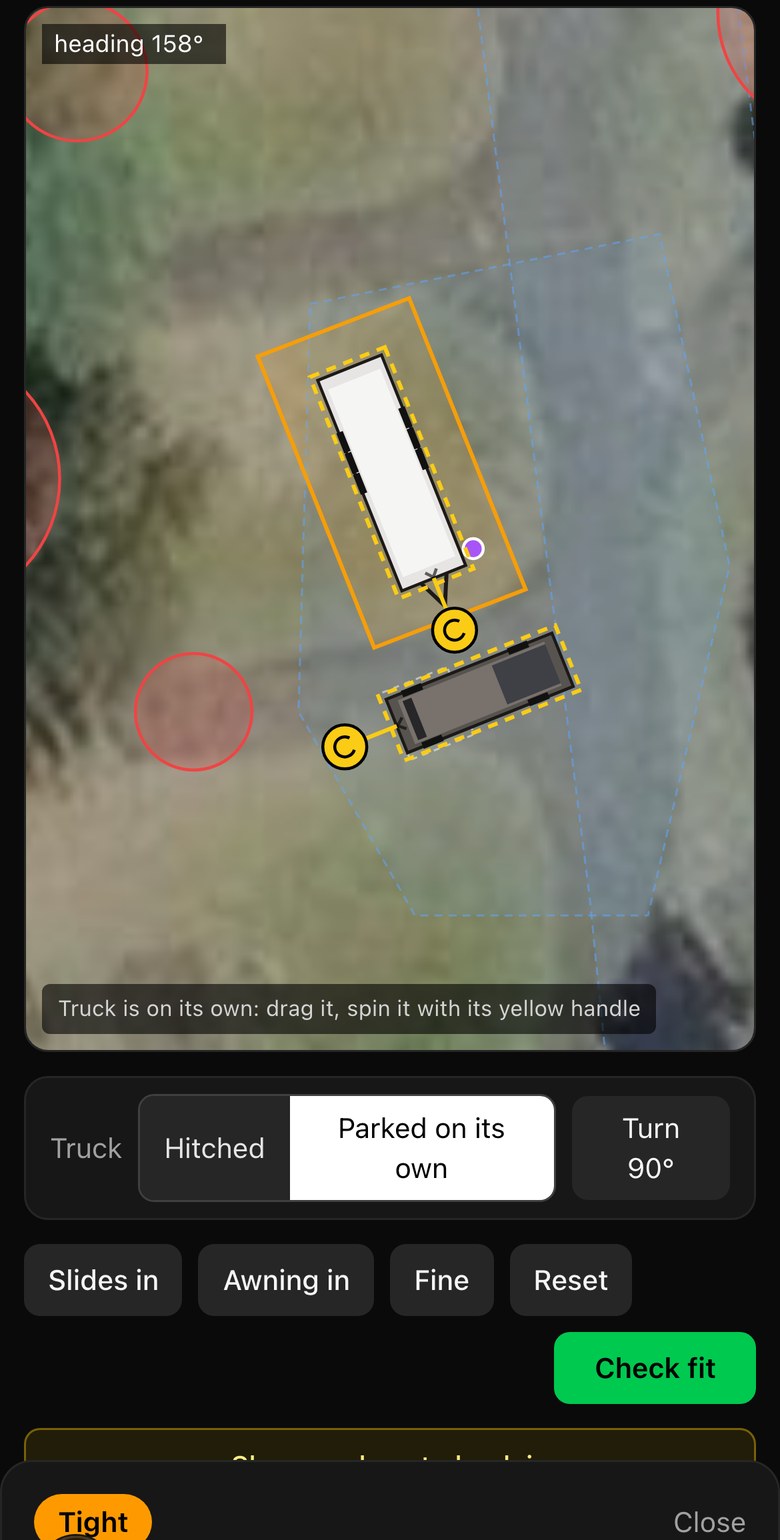
- 1The truck moves on its ownDrag it anywhere. If it lands on the trailer or a tree, the verdict says so.
- 2Hitched or parked, one tapReset puts it back on the coupler.
- 3Turn 90° to try it sidewaysThe quarter turn is one tap, so you are not fighting a handle with your thumb.
Your rig, your numbers.
Not on the list? Type the length and width. Trailers can add coupler to axle, which sharpens the backing sim. Your numbers stay with you from site to site.
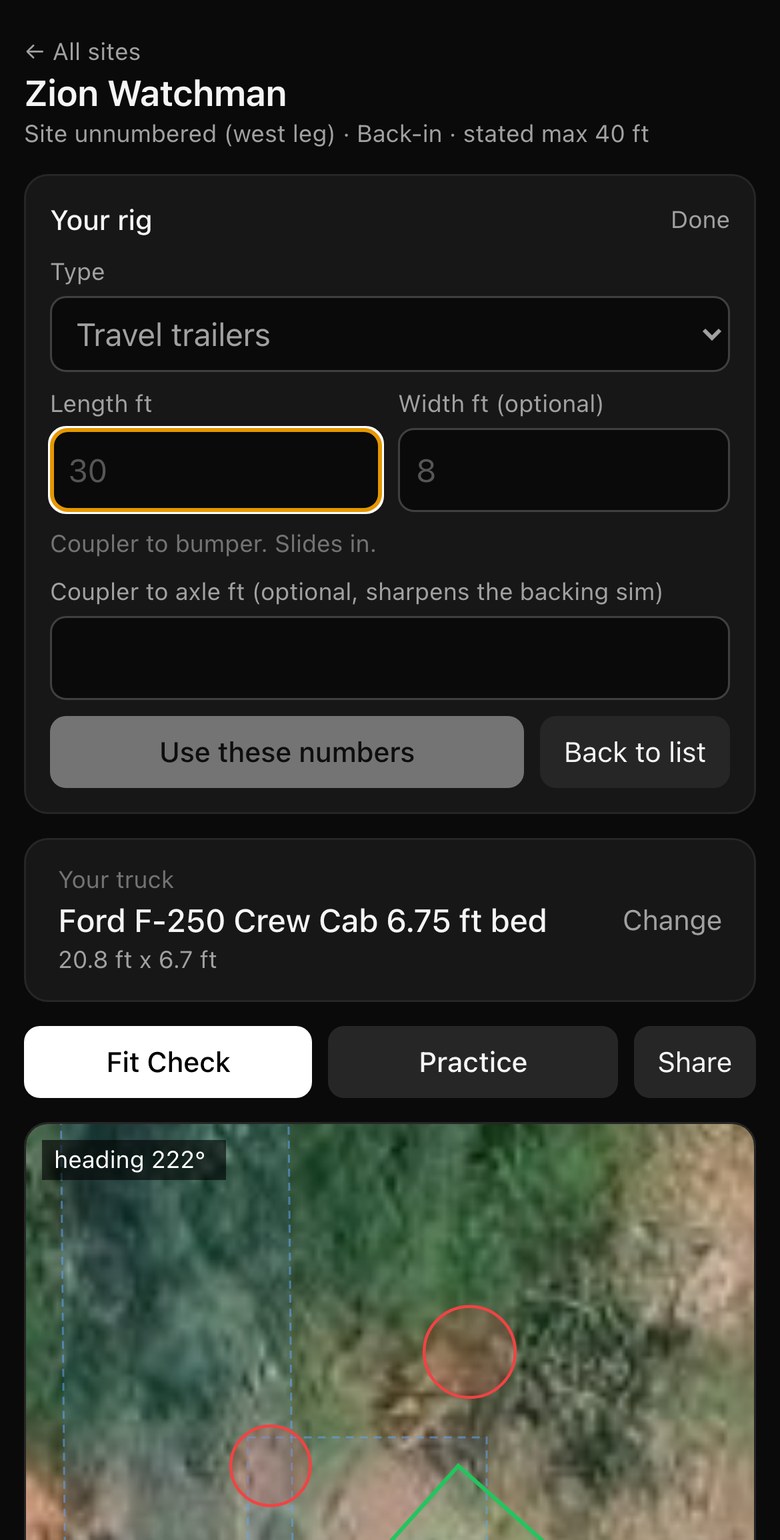
- 1Length and width, any makeCoupler to bumper for a trailer. Bumper to bumper for the truck. Mirrors are added for you.
- 2Saved in the linkShare a site with a friend and your rig goes with it.

Practice backing in before you arrive.
Drive the same rig into the same pad from the road. Trailer swing, jackknife warnings and every clip of a tree, all on your phone. Stuck? Show me how plays a clean line in, then hands you the wheel.
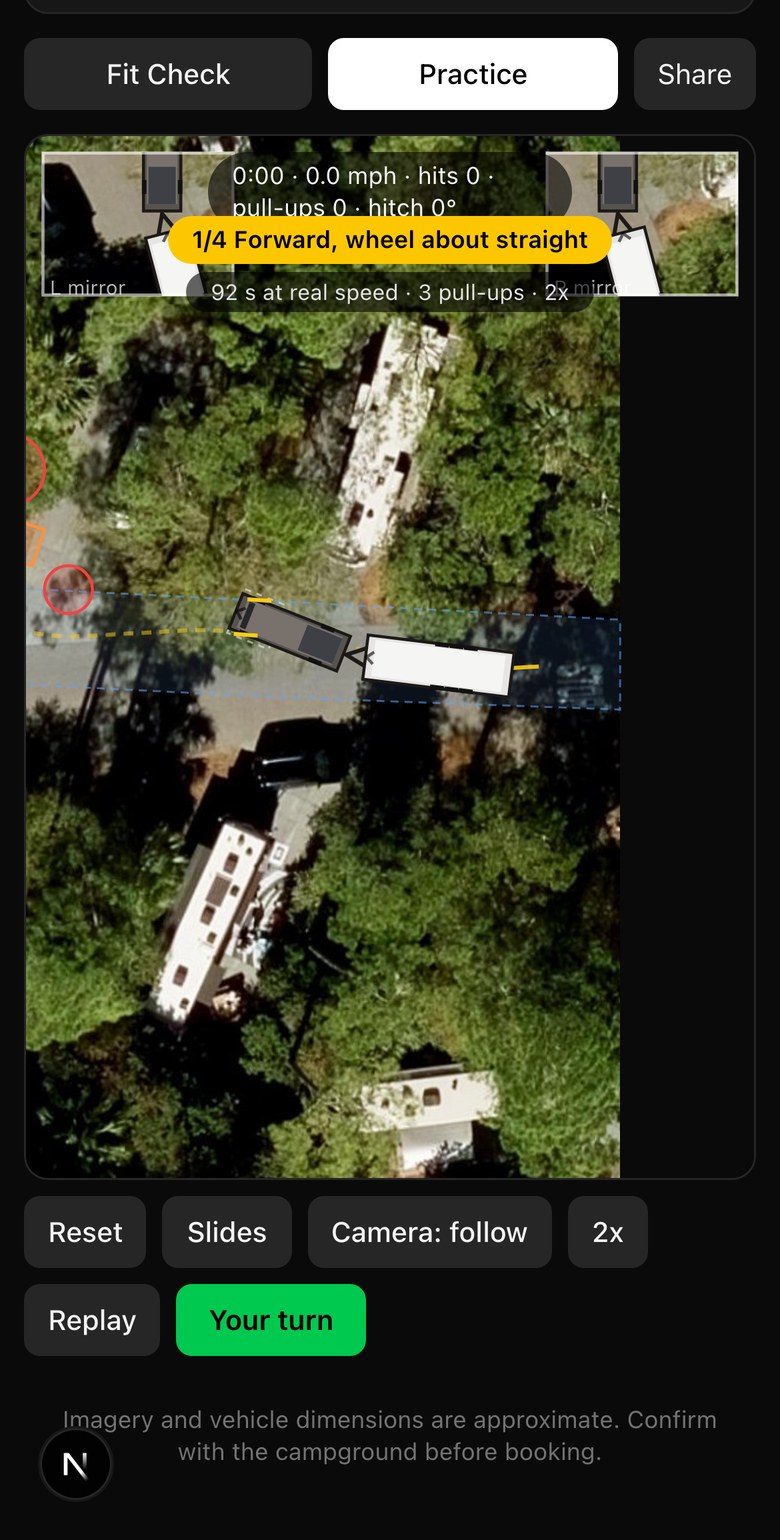
- 1One caption per move“Reverse, wheel right.” A 90 second maneuver reads as three steps.
- 2A ghost that never clips a treeThe line is planned on the real site geometry, not a canned animation.
- 3Your turnPlayback stops and the rig is back where you left it.
Three steps, under two minutes.
 Step 1
Pick a site
Real pads at Yosemite, Zion, Moab, Fort Wilderness and more, traced on real satellite imagery.
 Step 2
Pick your rig and truck
Find your model or type your own numbers. They travel with you to every site.
 Step 3
Check fit, then practice
Get the verdict. Then back it in yourself, with Show me how when you need it.
Eight real sites to try right now.
Each one opens the demo on that site. Pick your rig and go.
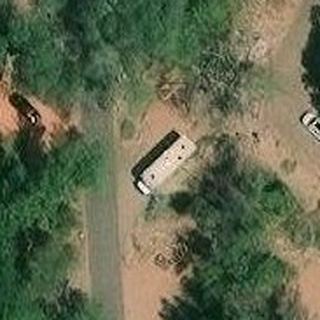 Zion WatchmanWest leg, Back-in, max 40 ft
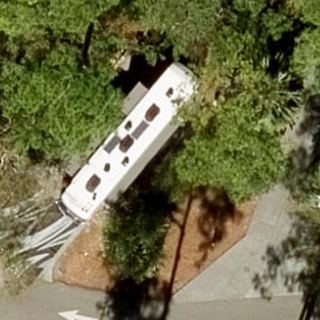 Disney's Fort WildernessLoop pad, Back-in, max 45 ft
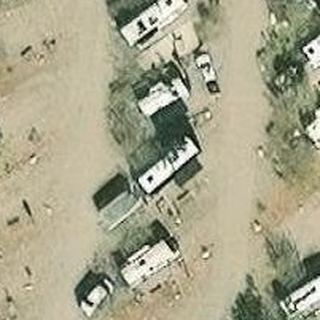 Moab KOA HolidayPull-through row, Pull-through, max 70 ft
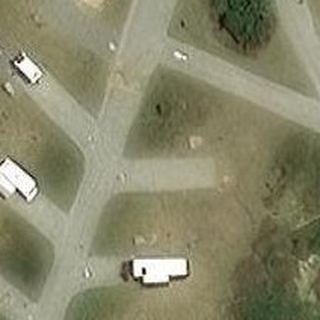 Assateague Island OceansideHerringbone spur, Angled back-in
 Fort Stevens State ParkLoop pad, Angled back-in
 Rocky Mountain NP Moraine ParkRoadside pull-off, Parallel, max 40 ft
 Zion WatchmanEast side, Back-in, max 40 ft
 Yosemite Upper PinesLoop pad, Angled back-in, max 35 ft